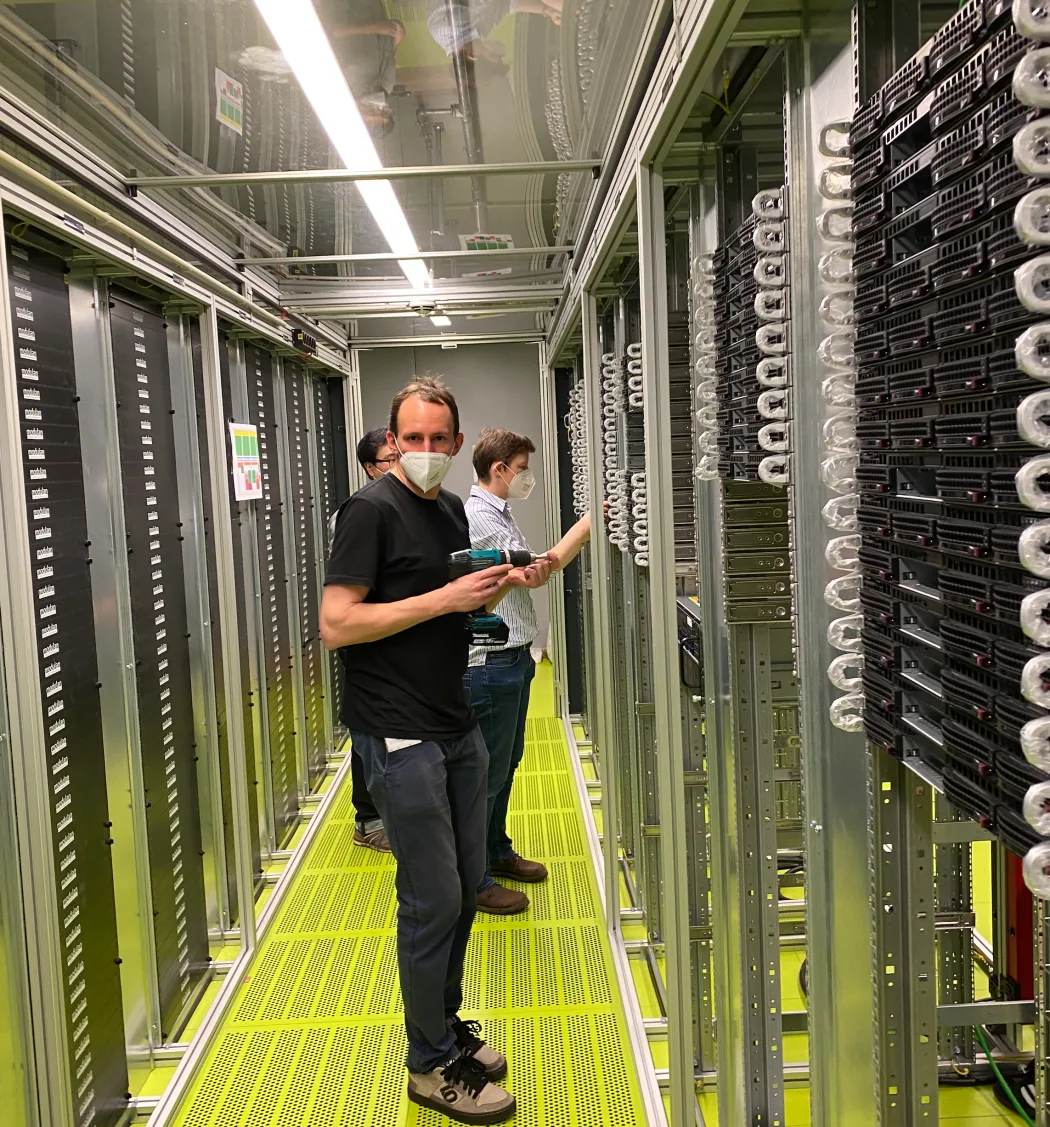
RCC is built by scientists for other scientists. Meet the team.
RCC ClusterDocs NG
Welcome to RCC guidance for medical professionals, biomedical researchers,
research software developers, and technical project staff.
RCC is designed for two access styles:
advanced command-line/developer access, using SSH, VS Code, and direct
Slurm tools — this is how you use RCC today; and
browser-first research, centered on Files and the planned RCC Analysis
Notebook/Workflow experience — not yet released.
Start with RCC Expedition Light, the required
first-use path, to set up SSH access on Windows 11 or macOS. If you prefer a
guided local course, use RCC Expedition.
The course is designed so that a new user can progress without needing an
administrator beside them. Each class has a small practical exercise and a gate
that checks readiness without exposing credentials or generating significant
cluster load.
RCC in plain language
Think of RCC as a set of project workrooms rather than one large shared disk.
For definitions used throughout the documentation, see the
RCC terminology reference.
Your primary group records where you belong; it is not how cross-department
research data is shared. The project is the access and collaboration boundary.
Start with the complete plain-language TL;DR for the important limits
and links.
The underlying compute model remains Slurm-backed, but users should not all have
to interact with the scheduler directly. The planned (not yet released)
user-facing model is:
The interactive session machinery previously described as RCC Workbench is
now treated as an implementation/advanced execution layer behind Analysis
Notebook mode rather than a separate primary research product.
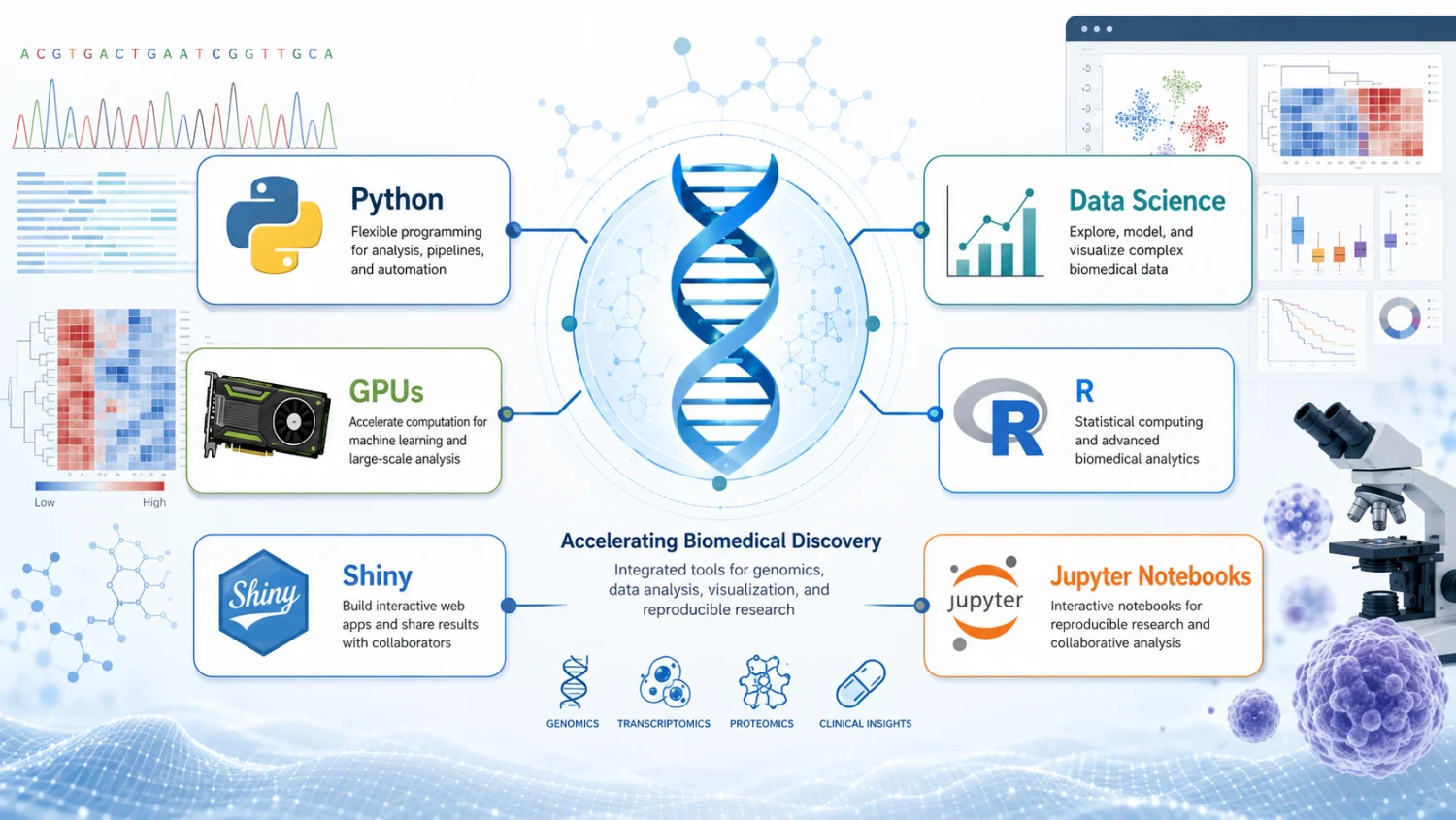
RCC supports statistics, visualization, Python and R data science, machine
learning, GPU-accelerated AI, and distributed data processing. These techniques
remain part of a reproducible research workflow: computation runs through
Slurm, data stays within its project governance, and model evaluation includes
validation, uncertainty, bias, and scientific limitations.
Not sure which surface to use? Read
RCC services: where should I go?. It also records
which newer browser surfaces are documented before release.
Choose your path
01
Data analysis
Move from research data to a reproducible result
Use notebooks for bounded exploration and governed workflows for repeated or scalable analysis; learn Python, R, statistics, AI, efficient I/O, GPUs, validation, and result sharing.
Need an RCC account? Self-service enrollment is not yet released; RCC
support creates accounts on request. The planned flow is in
Request and activate an RCC account.